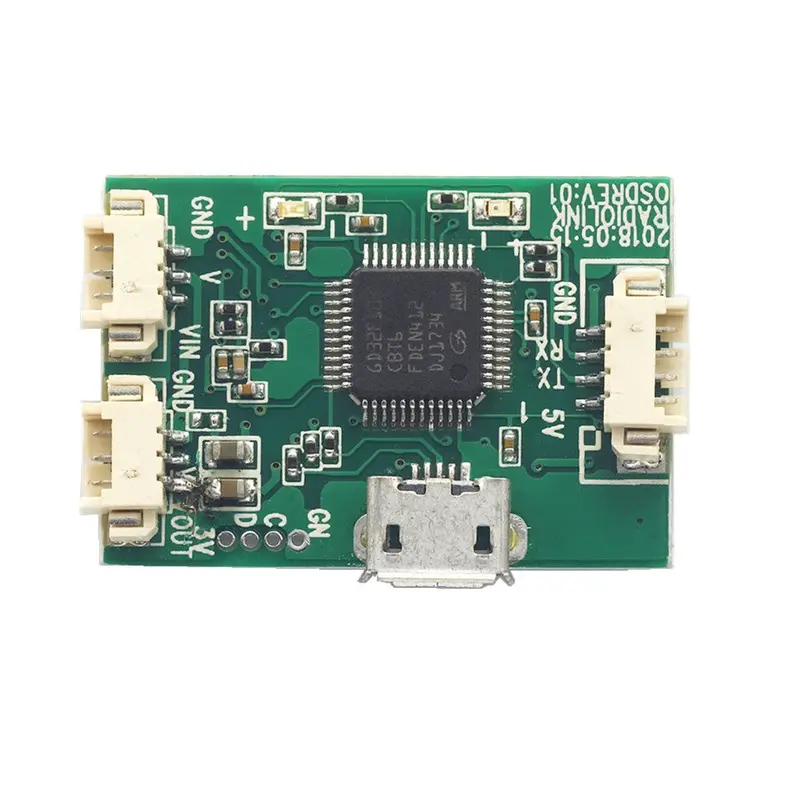
Description
Radiolink Mini OSD Module for Mini PIX / Pixhawk Flight Controller Board RC Drone FPV Racing Aircraft Airplane Description
Item Name: Mini OSD Module for Mini PIX / Pixhawk Flight Controller
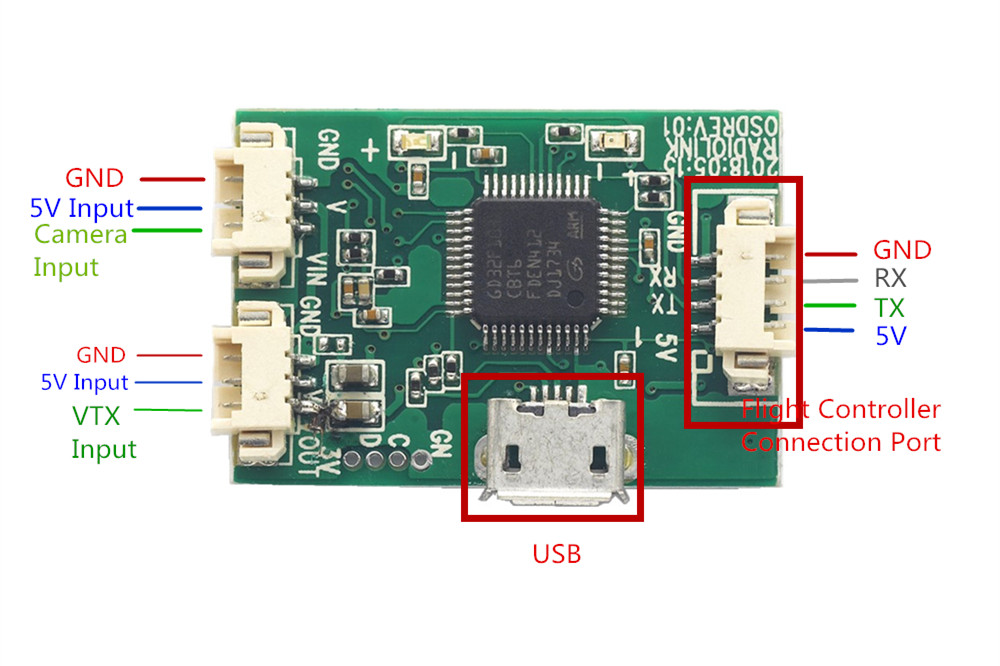
It is a osd video overlay module that combine OSD Signal and Camera Video Signal. It is compatible with Mini Pix / Pixhawk flight controller, to get the flight datas. Besides, it has USB Port to connect computer and then can configurate via RadioLinker OSD_Tool app
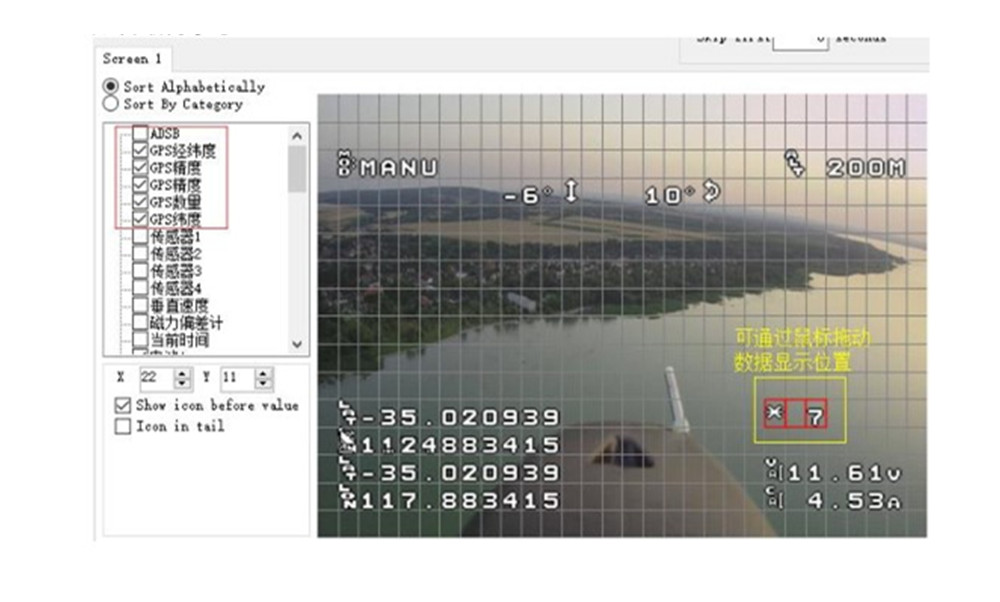
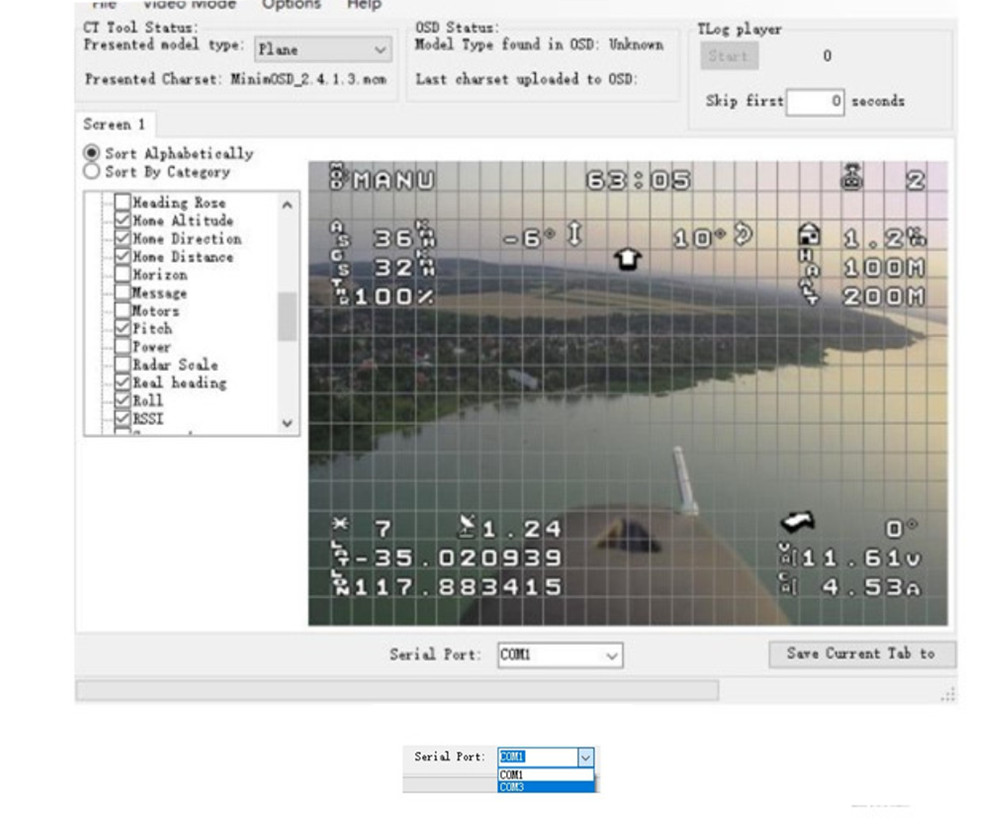
Firmware Tools: Click Here How to configure ? 1. Connect this Mini OSD Module to computer via Andriod USB Cable. 2. Open Configuration APP ” RadioLinker OSD_Tool” 3. Find ” OSD_Config” from file and then double click to enter into ” MinimOSD_2.4.1.5″
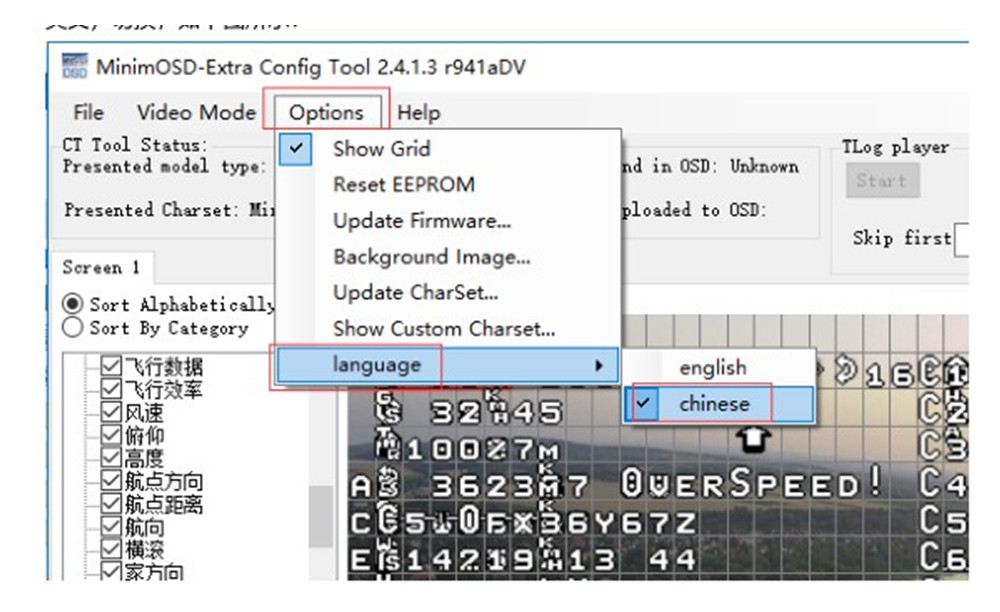
( You can follow the steps below by following the last 3 pictures displayed on the page.) 4. Comes into configuration Page If you also connect other modules, pls find the right CMO Port as following steps. ( A. Open ” my computer ” ; B. get” device manager ” ; C. then choose COM Port from ” Serial Port”. D. Finally, choose same COM on configuration page.) 5. Setting parameter and Save. – A. Choose the data you want to get by left sheet. – B. Drag the mouse and then can move the data’s showing position to right side. – C. After setting parameter, click ” File” and ” Save OSD file ” . – D. If you need same setting, just find ” File” and ” Open OSD file”, then it can show. 6. Change Language.
Download : Setup APP Package Inlcuded: 1 x Radiolink Mini OSD Module for Image Transmission Mini PIX / Pixhawk Flight Controller Board RC Drone FPV Racing Aircraft Airplane 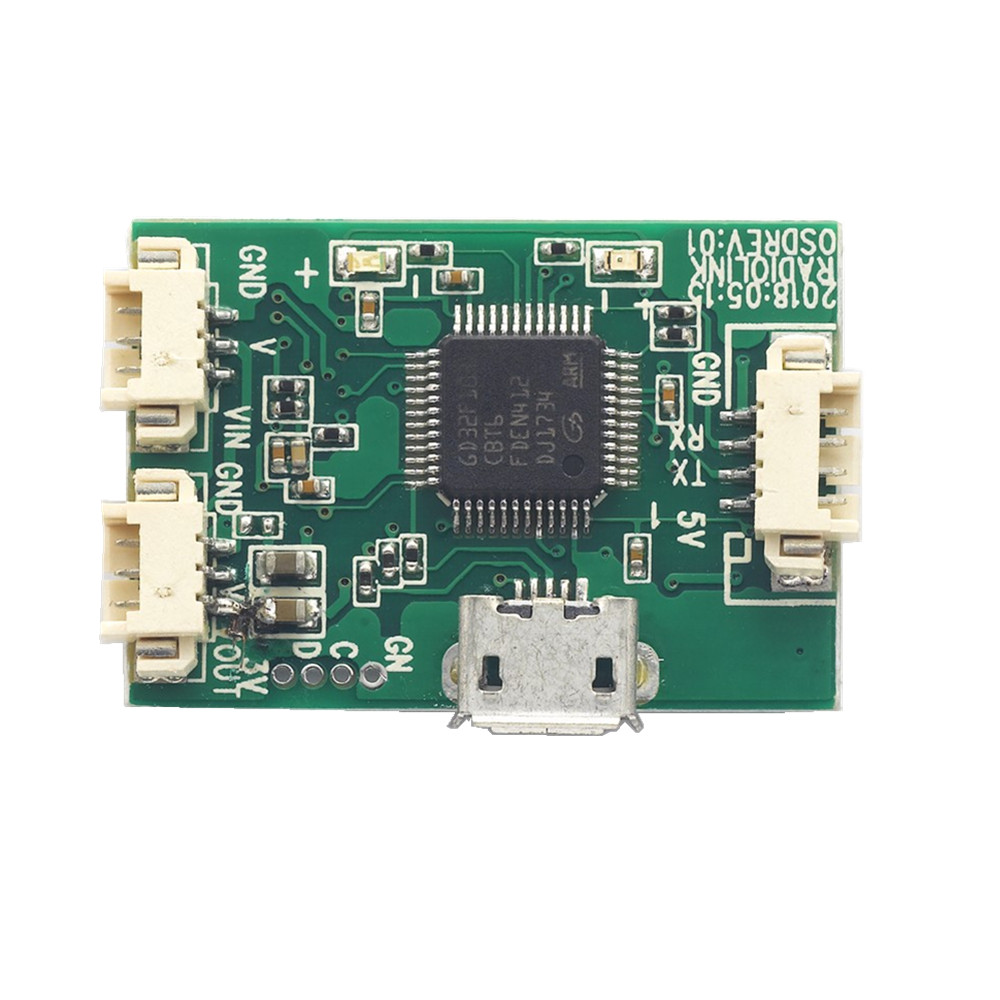
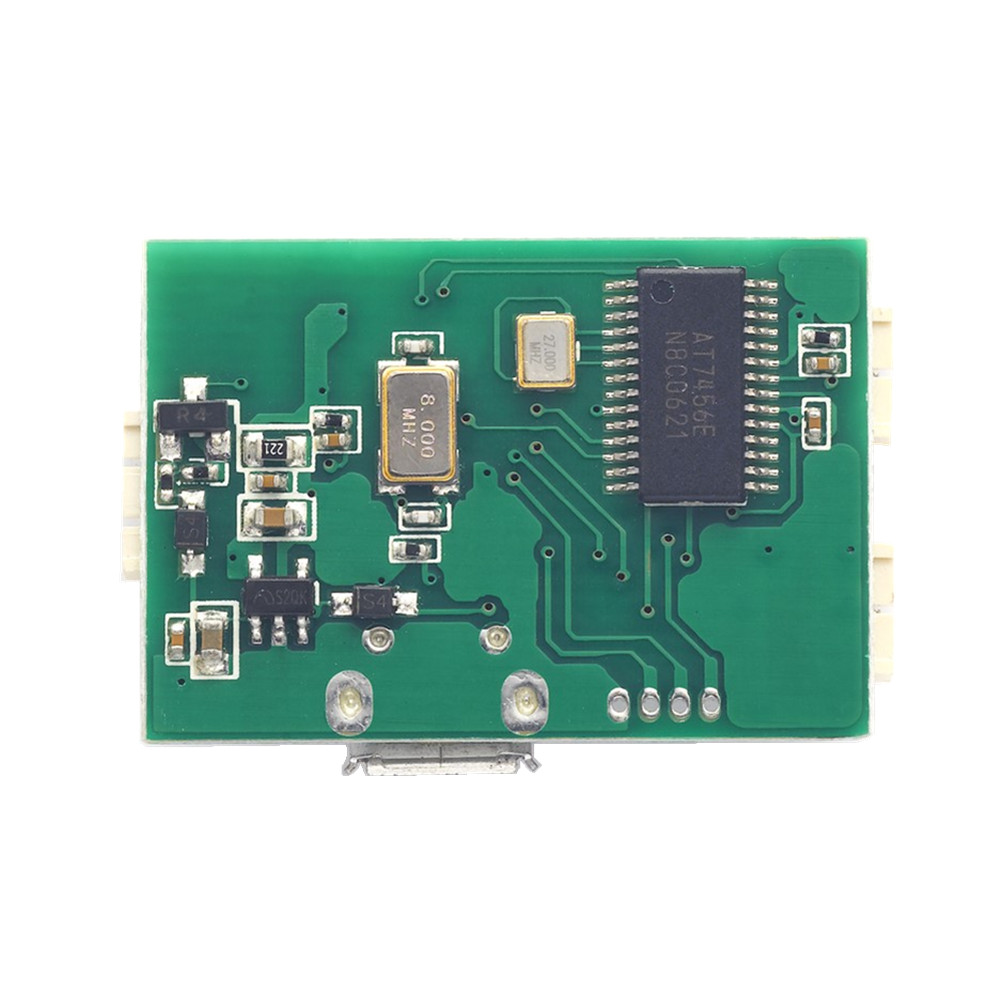
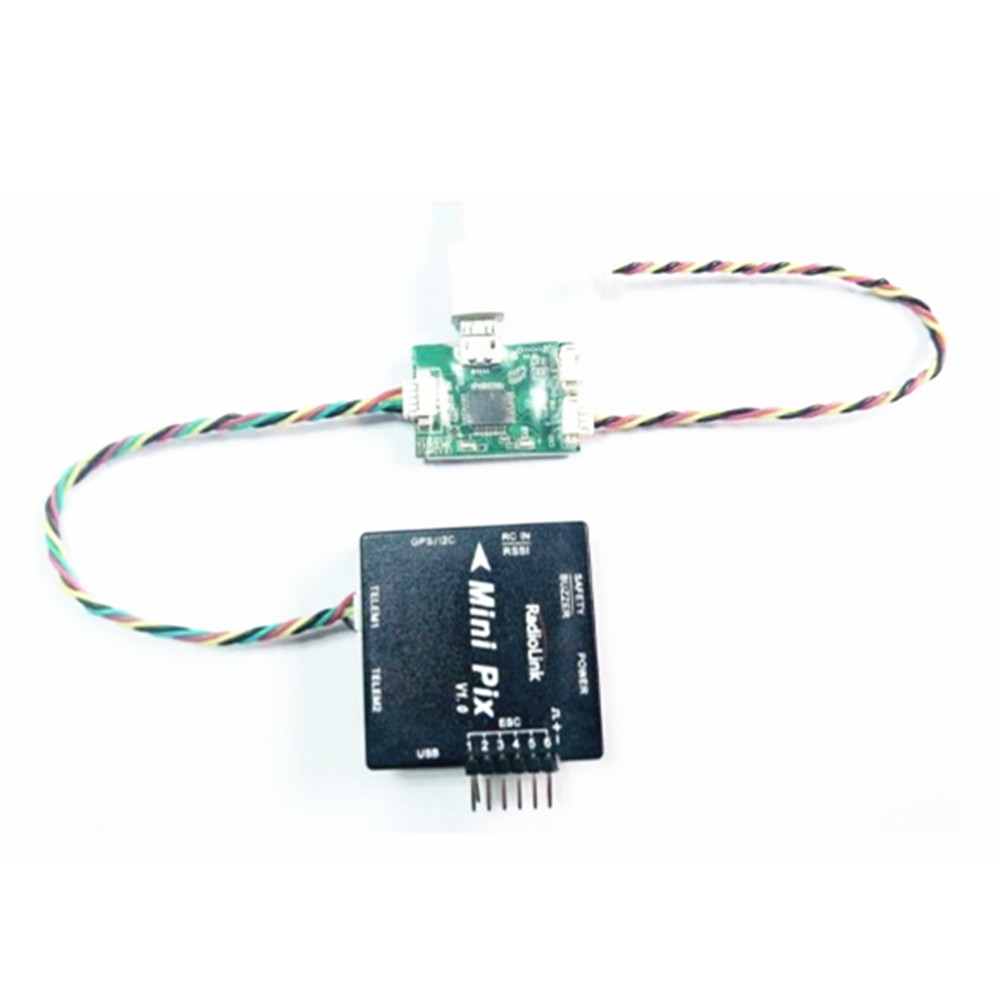
Explore more from our collection.
Reviews
There are no reviews yet.